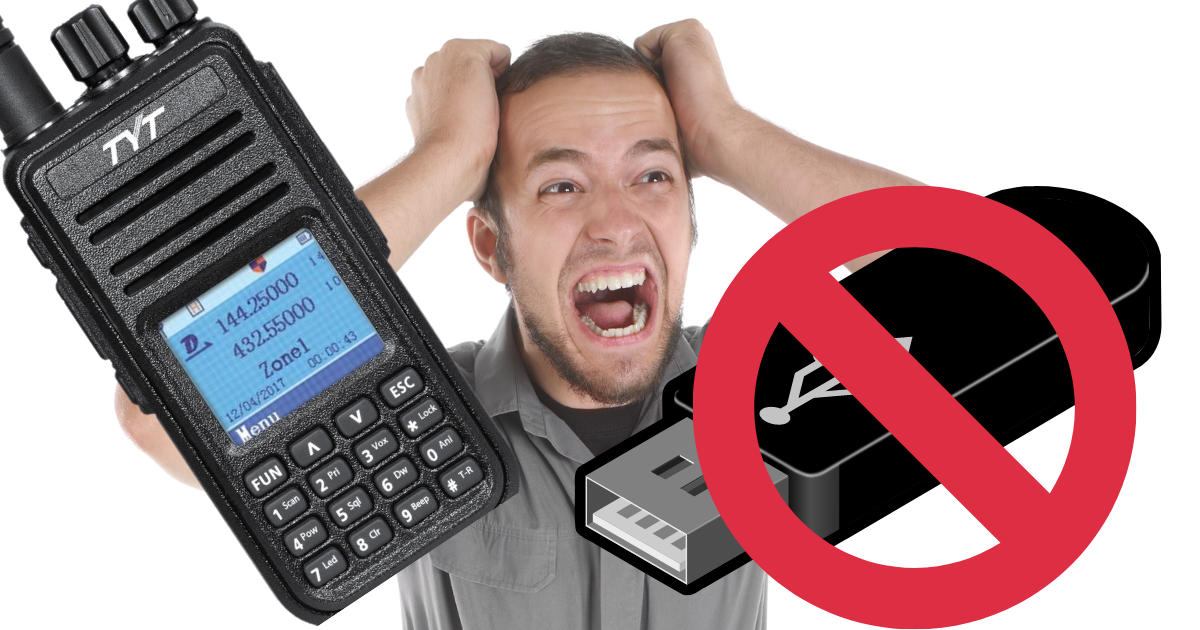
TYT-UV 380 USB Driver Problems. **UPDATED May 23**
9 May 2022
The TYT drivers from their website are useless. here is a working driver — download from Google Drive.
Installation Steps
- Unzip the driver to a folder on your desktop (NOT your Downloads folder — the Install option will be missing there).
- Right-click
sttube.infand select Install. - Restart your PC without the radio connected.
- Plug in the radio.
- Open TYT CPS and read the radio.
Windows 11 Note
If you are using Windows 11, click "Show more Options" to see the Install menu item.
Let me know if it worked!